




















Office Signage
Office/facility digital signage use cases

Office Signage
Office/facility digital signage use cases

Centralized management of information dissemination
at multiple bases
such as offices and facilities

Floor guides, emergency announcements, internal information—share information you want to convey instantly and collectively from the head office, even across multiple bases.

Usage examples in offices and facilities nationwide!

Signage isn't just for retail stores.
The cloud-based digital signage "Clomoni" supports information dissemination in "working environments" and "gathering places," ranging from internal office information sharing to guidance displays in commercial and public facilities, and communication sharing in store and facility backyards.
It supports the dissemination of information for "working sites" and "places where people gather."

Display internal information and business dashboards without interruption

Office/Internal

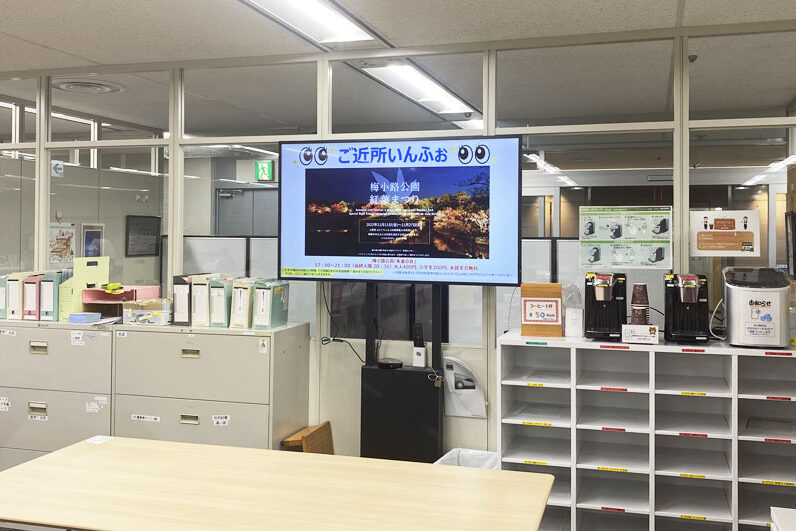
It can be used for constant display of internal notices, management messages, KPIs, and business dashboards. If you use Clomoni's auto-login function, it will automatically log in and display internal portals and business management tools that require login. By digitizing notices, information sharing to multiple bases becomes smoother.
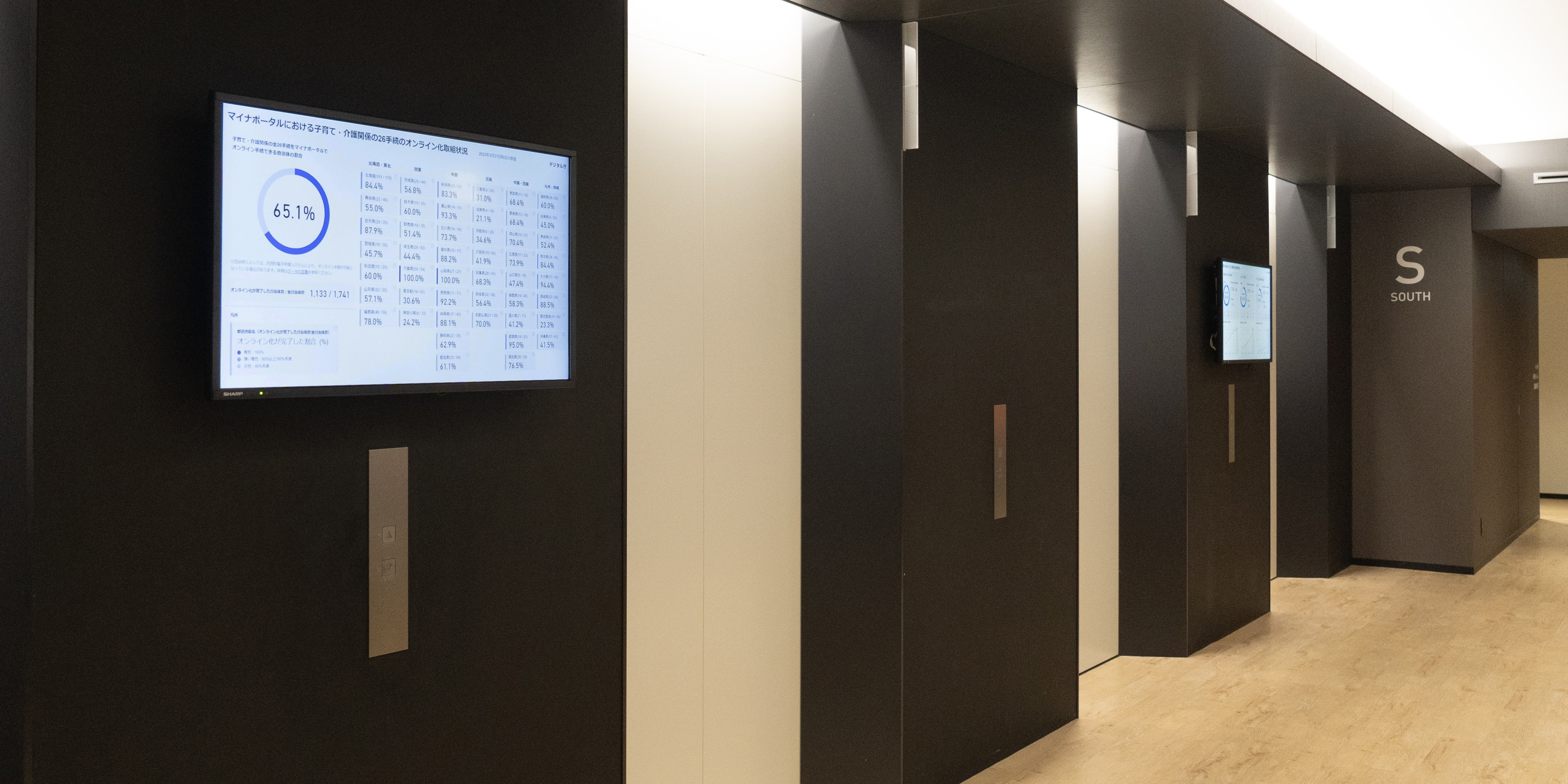
In 2024, it was also introduced to the Digital Agency and is used for operational efficiency as office signage.

Digitizing "conveyance" in places where people gather

Commercial facilities, public facilities, medical/welfare/educational facilities

We deliver information necessary for those using the facility, such as floor guides and event announcements in commercial facilities, reception guidance in public facilities, medical, welfare, and educational institutions, and display of medical/event schedules, in an easy-to-understand manner using video.
Automatic switching for each time zone is also possible with time schedule settings.
By area-specific grouping distribution, you can provide optimal information for each floor or entrance.

Turning backyards and break spaces into hubs for information sharing

Backyards, break spaces, internal cafeterias

Installed in places where employees visit daily, such as backyards, break spaces, and company cafeterias, it broadcasts shift notices, operational manuals, and health and safety alerts.
As a means of sharing information that replaces morning assemblies and paper circulars, it prevents omissions in communication.
Information can be delivered reliably even to on-site staff who do not use PCs.

Case Studies

Voices of introduced companies and achievements

Clomoni is used in workplaces of various industries and sizes, including offices and public facilities.
We introduce cases along with concrete achievements such as the number of introduced bases and operational effects.

Strengthening internal information sharing in over 802 bases, 800 units in total

<Medical/Nursing Care / Tsukui Corporation>

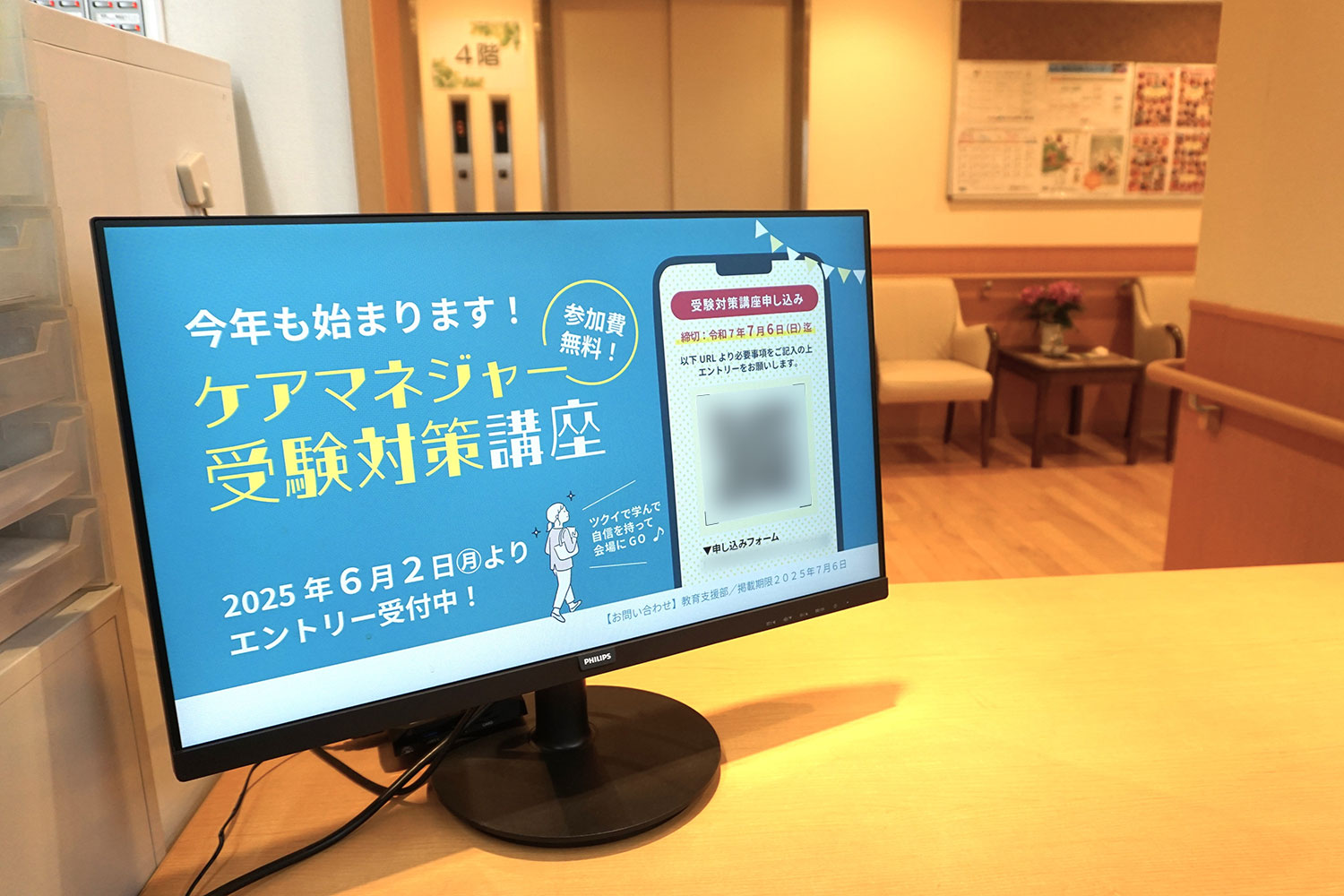
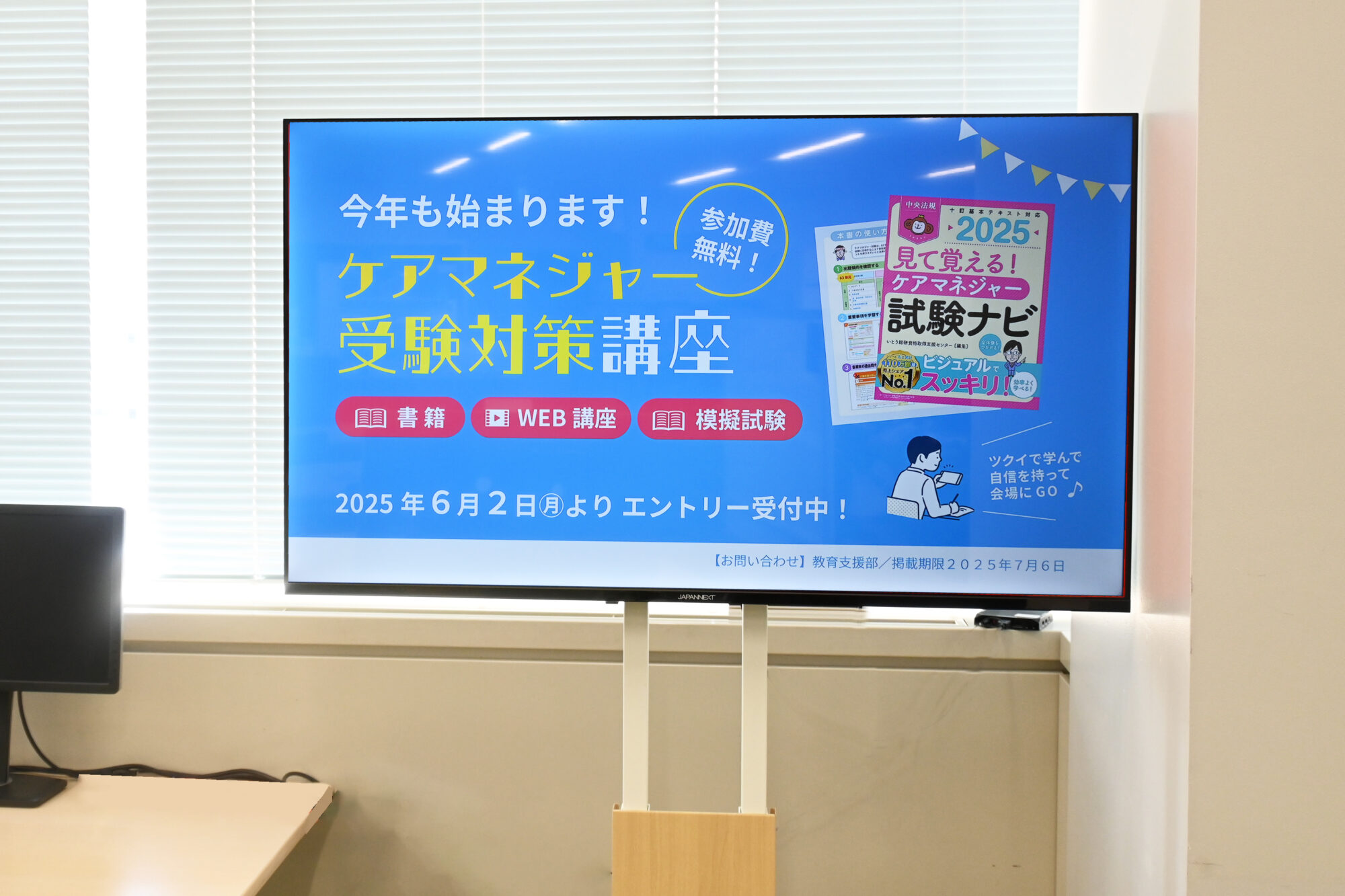
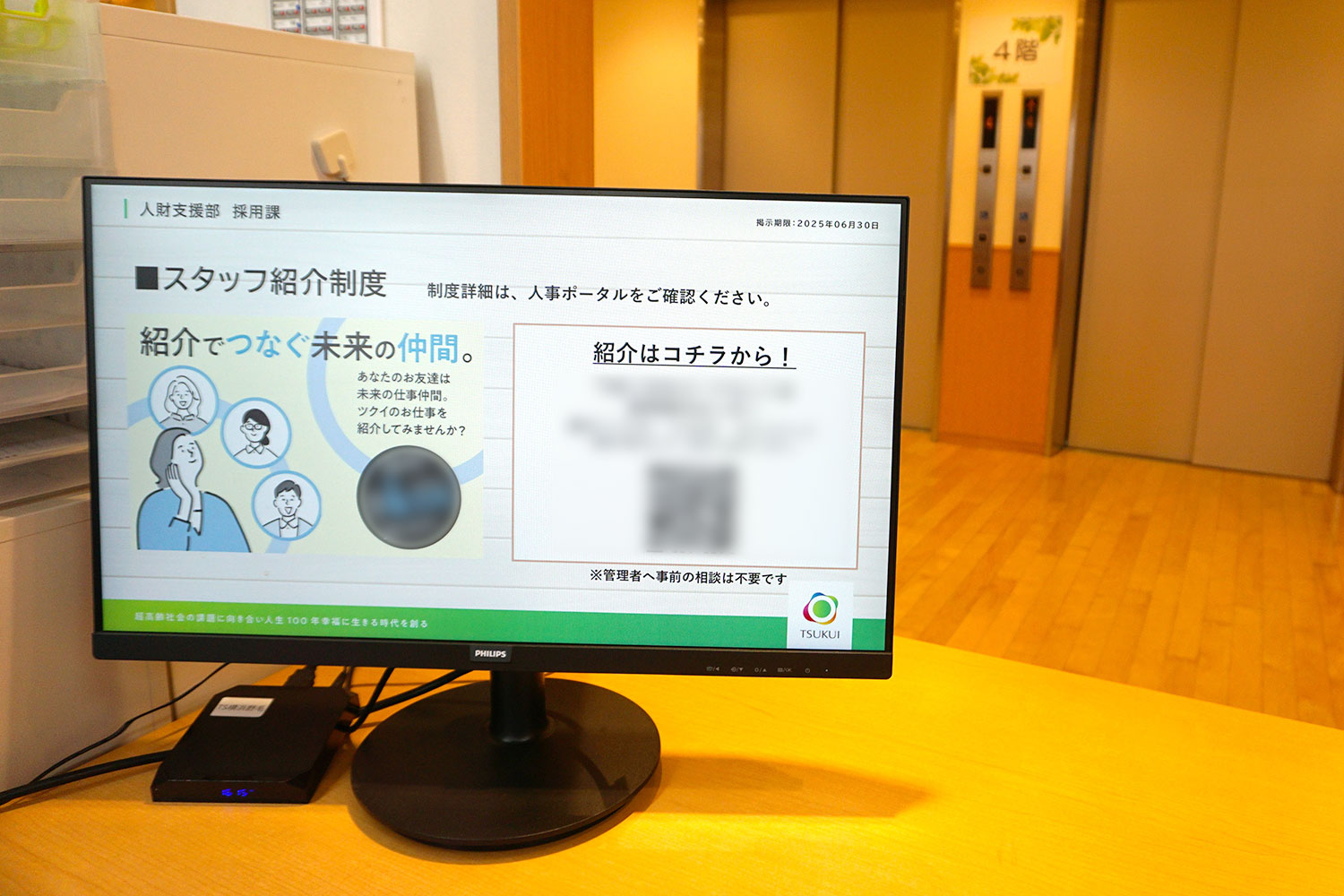
Introduced Clomoni to nursing care facilities operated by Tsukui nationwide. It is used as a tool to reliably deliver information to approximately 20,000 employees through signage installed in the backyards of facilities. Also achieved delivery of optimal information for each area with the group delivery function.

Streamlining information sharing within the Digital Agency from offices to the Minister's room

<Public/Government / Digital Agency>

Introduced Clomoni to the main office of the Digital Agency. Manages the dashboard showing the progress of each project in the cloud, reducing the labor of equipment maintenance and update work. Installation locations have expanded from elevator halls to offices and the Minister's office.

Reducing the burden of signage updates at 60 showrooms nationwide

<Housing Equipment / Panasonic Housing Solutions Co., Ltd.>

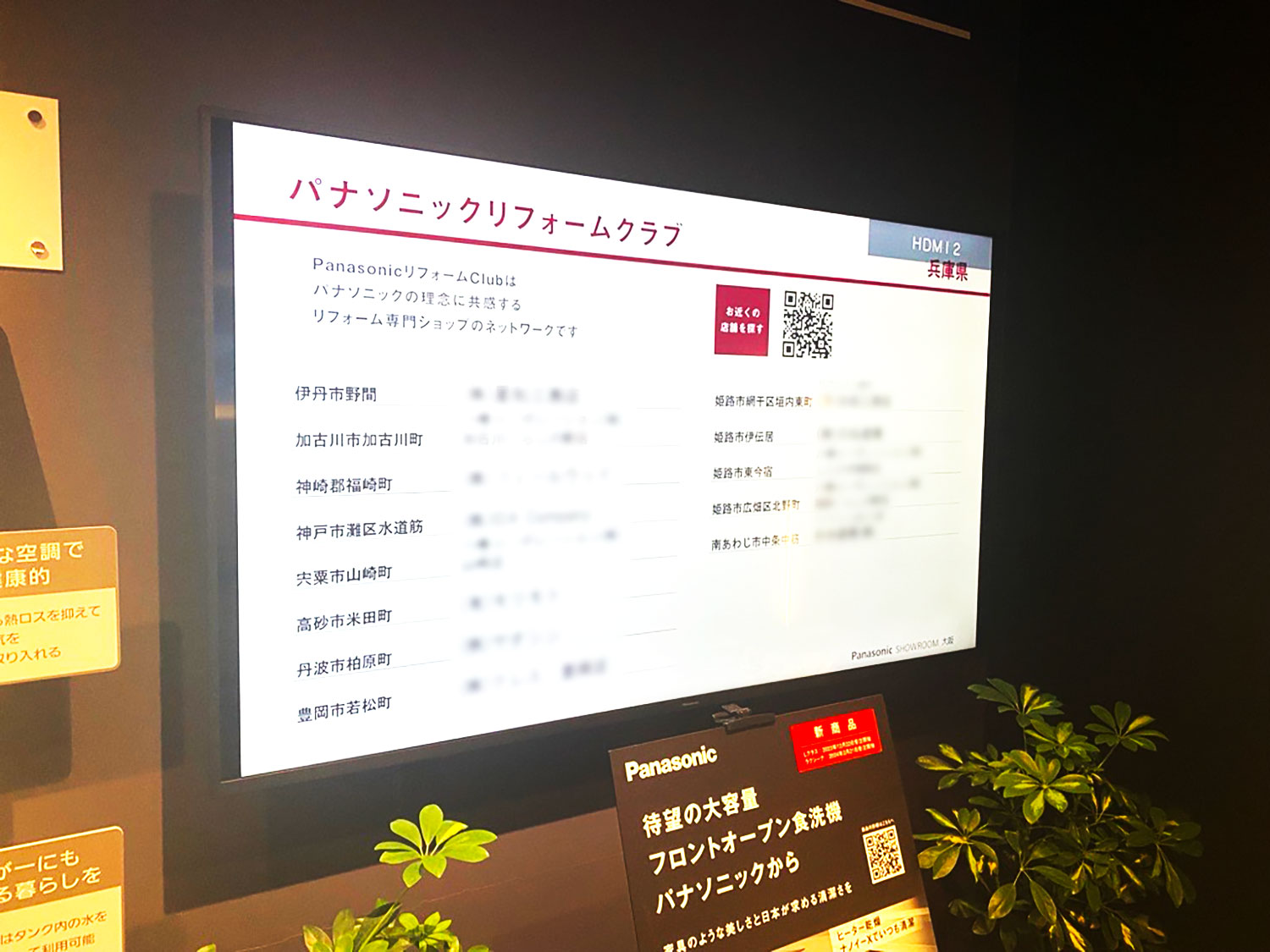
Introduced Clomoni to 60 showrooms nationwide. Switched from a stand-alone type to a cloud-based type, reducing content update man-hours at each base. By centrally distributing common content nationwide from headquarters, the burden on the field has also been reduced.

Strengthening in-building guidance and information dissemination at 6 facilities including Tokyo Midtown Hibiya

<Real Estate / Mitsui Fudosan Building Management Co., Ltd.>

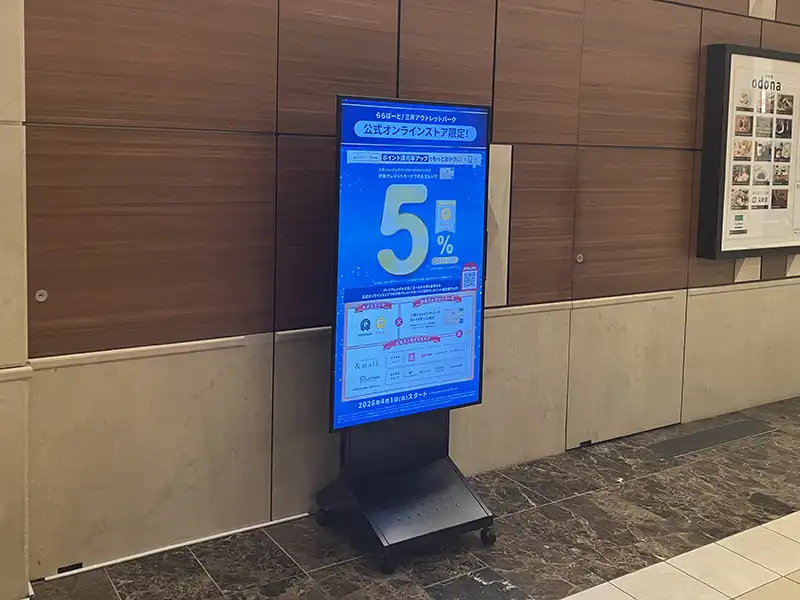
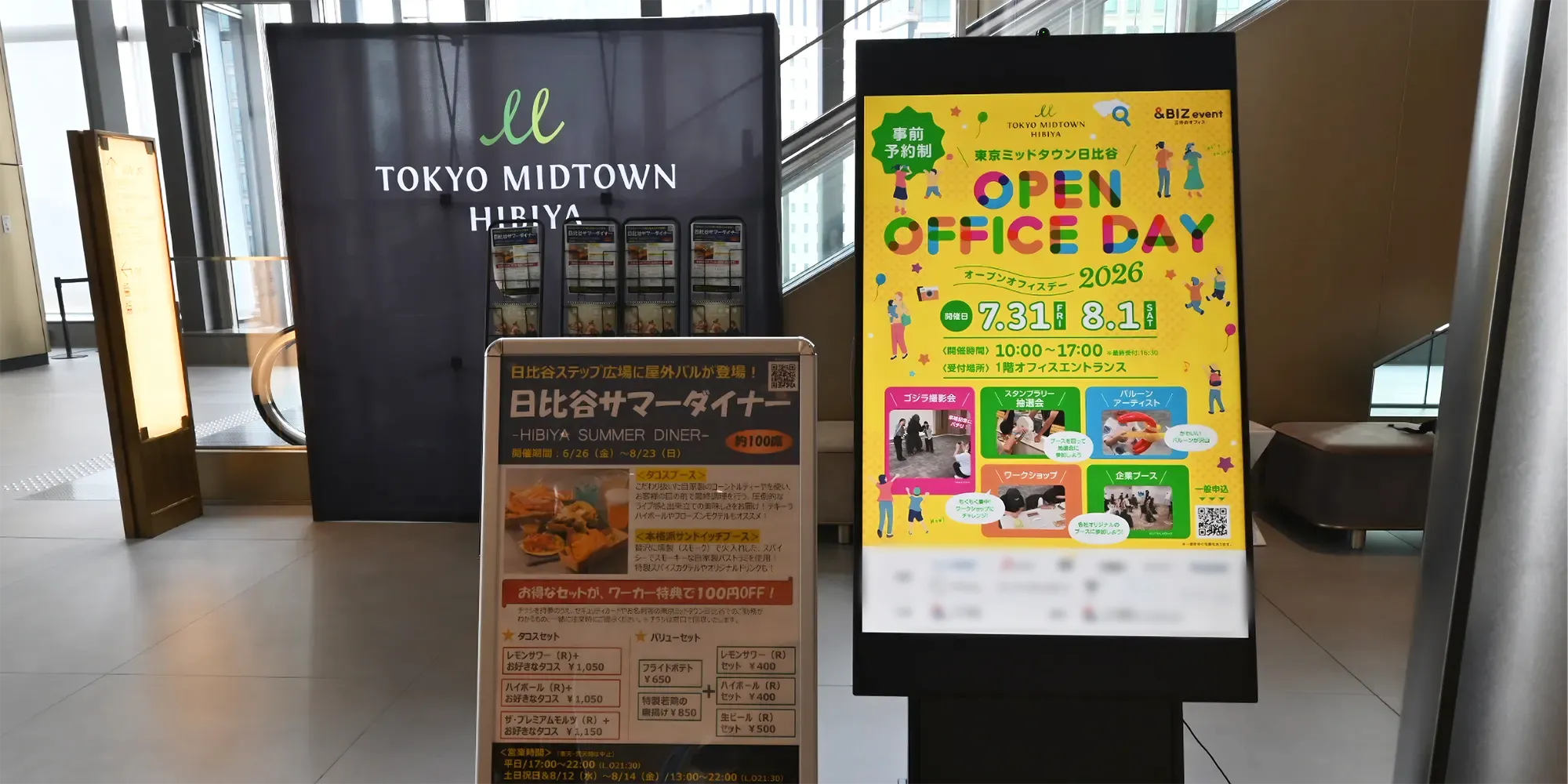
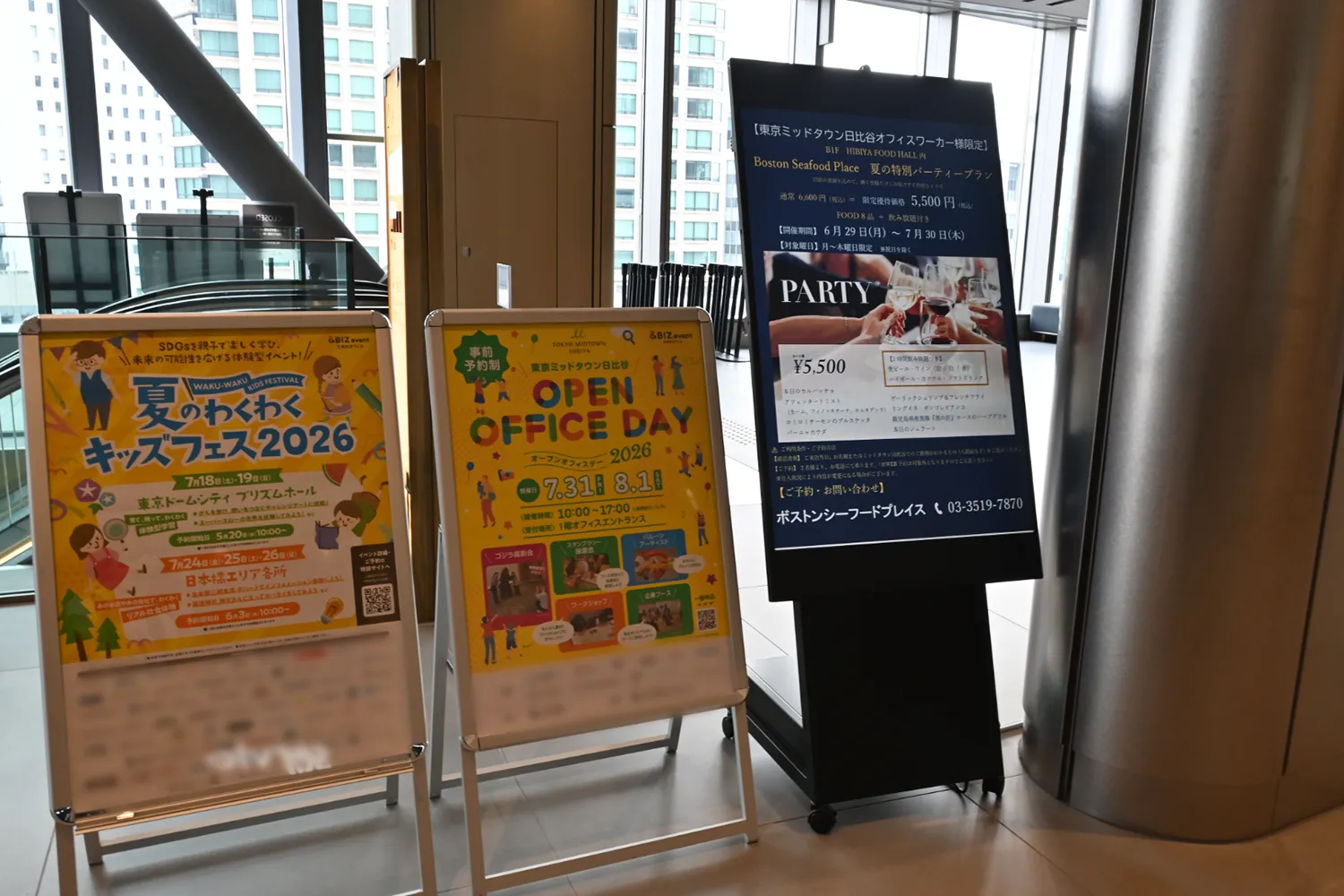
Mitsui Fudosan Building Management, which handles the operation and management of office buildings and commercial facilities for the Mitsui Fudosan Group, introduced Clomoni to a total of 14 units across 6 facilities. They have achieved centralized management of flexible distribution tailored to the installation location, from facility and surrounding information, event announcements, to building signs.

Digitizing facility guides and seating charts at the Ministry of Economy, Trade and Industry training facility to streamline operations

<Public/Government / Ministry of Economy, Trade and Industry, Economic and Industrial Training Institute>

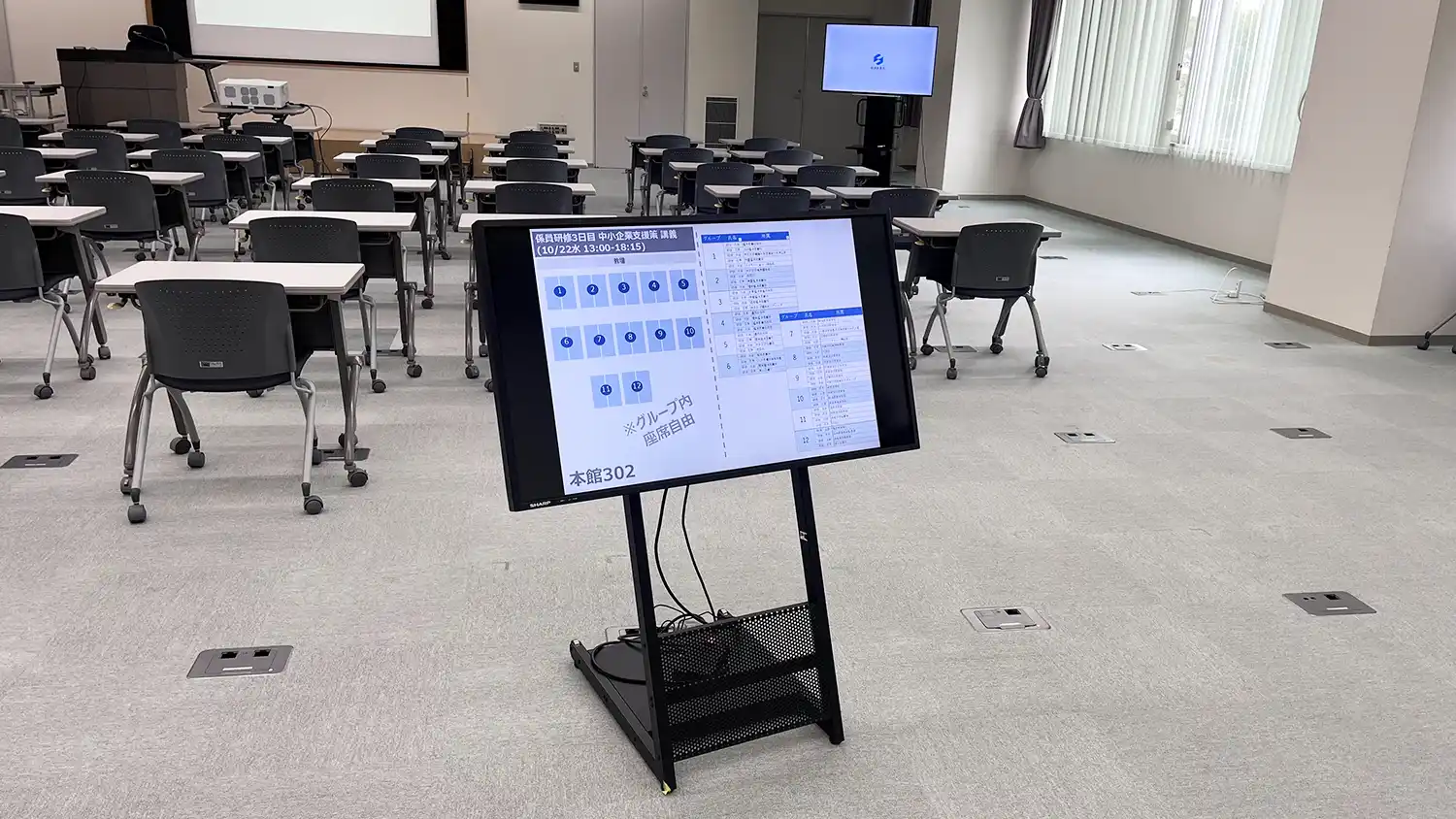
Introduced Clomoni to the Economic and Industrial Training Institute of the Ministry of Economy, Trade and Industry. While numerous training sessions are held throughout the year, the printing and posting of guidance materials, which had previously been done manually for each training, have been digitized.

Strengthening internal information dissemination at 11 facilities and 19 units nationwide

<Construction / Sugiko Co., Ltd.>

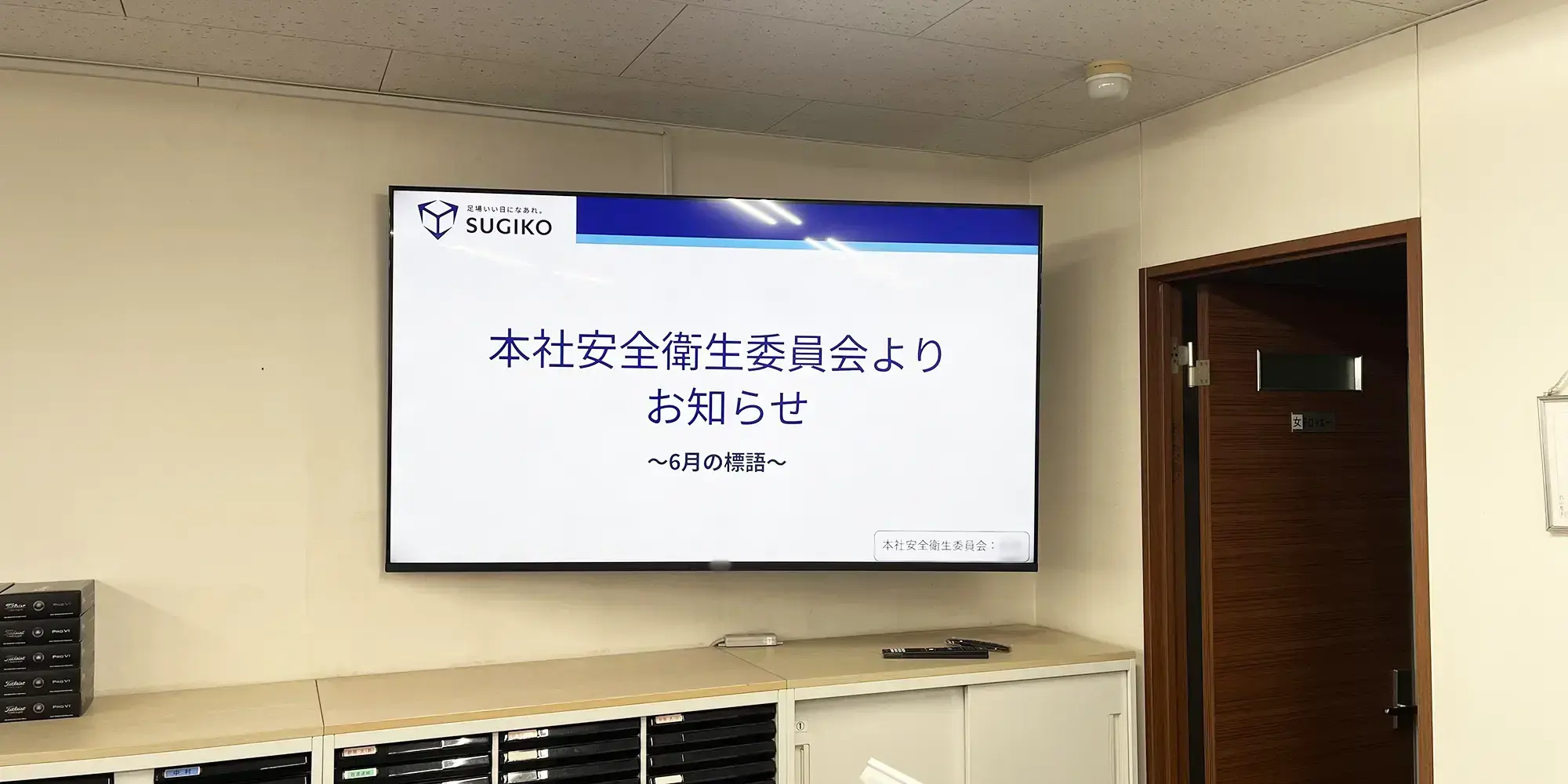
Sugiko, a major rental company for temporary equipment, introduced Clomoni to 19 units across 11 facilities including its headquarters, sales offices, and equipment centers. From sharing president's policies to announcements from various departments such as HR and development, they are strengthening internal information dissemination to bases nationwide.

Make information sharing within the office smoother

"Clomoni" Office Signage Optional Function List

From posting internal news to reducing daily operational burdens. Easily achieve fresh information dissemination.
*Some functions are optional and may incur additional costs.
*Images are for illustrative purposes.

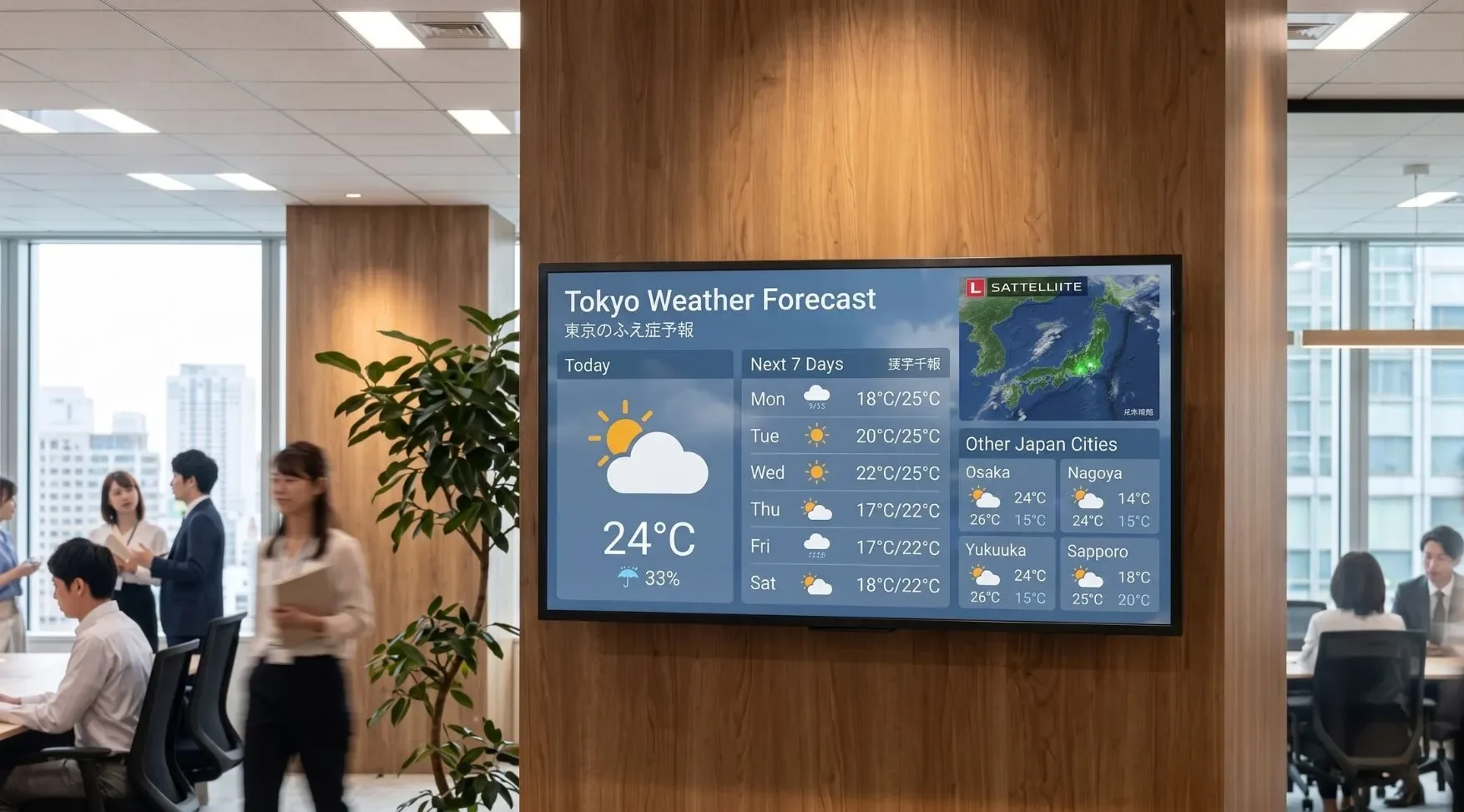
01 Real-time news distribution

Automatically distribute information such as weather, news, and stock prices. You can provide information useful not only for internal notices but also for visitors and waiting times in the lobby.

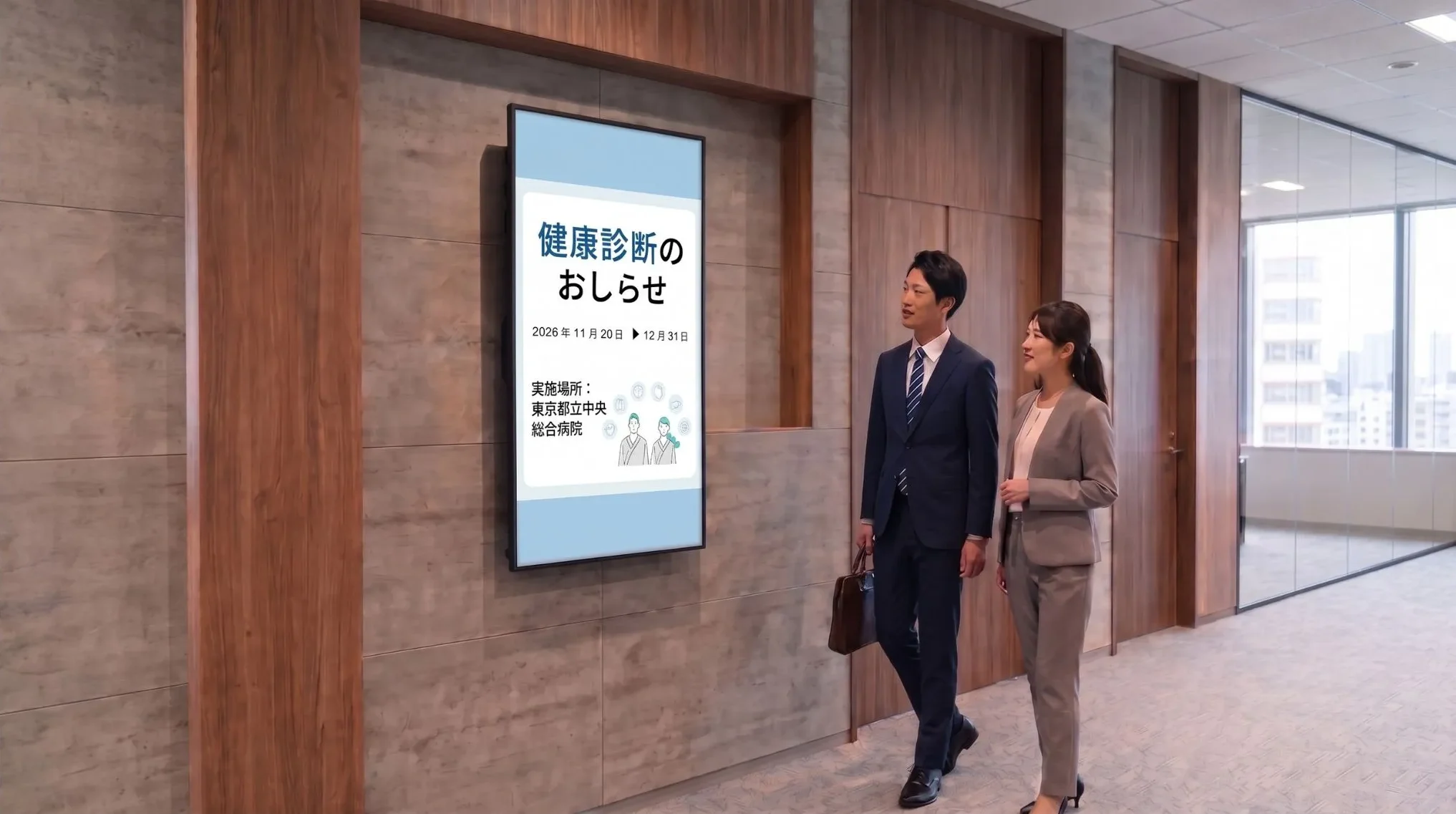
02 Content templates

We offer free design templates for offices, such as business hour change notices, health checkup guides, and internal event announcements. Even without specialized knowledge, you can easily create internal notices just by swapping photos and text.

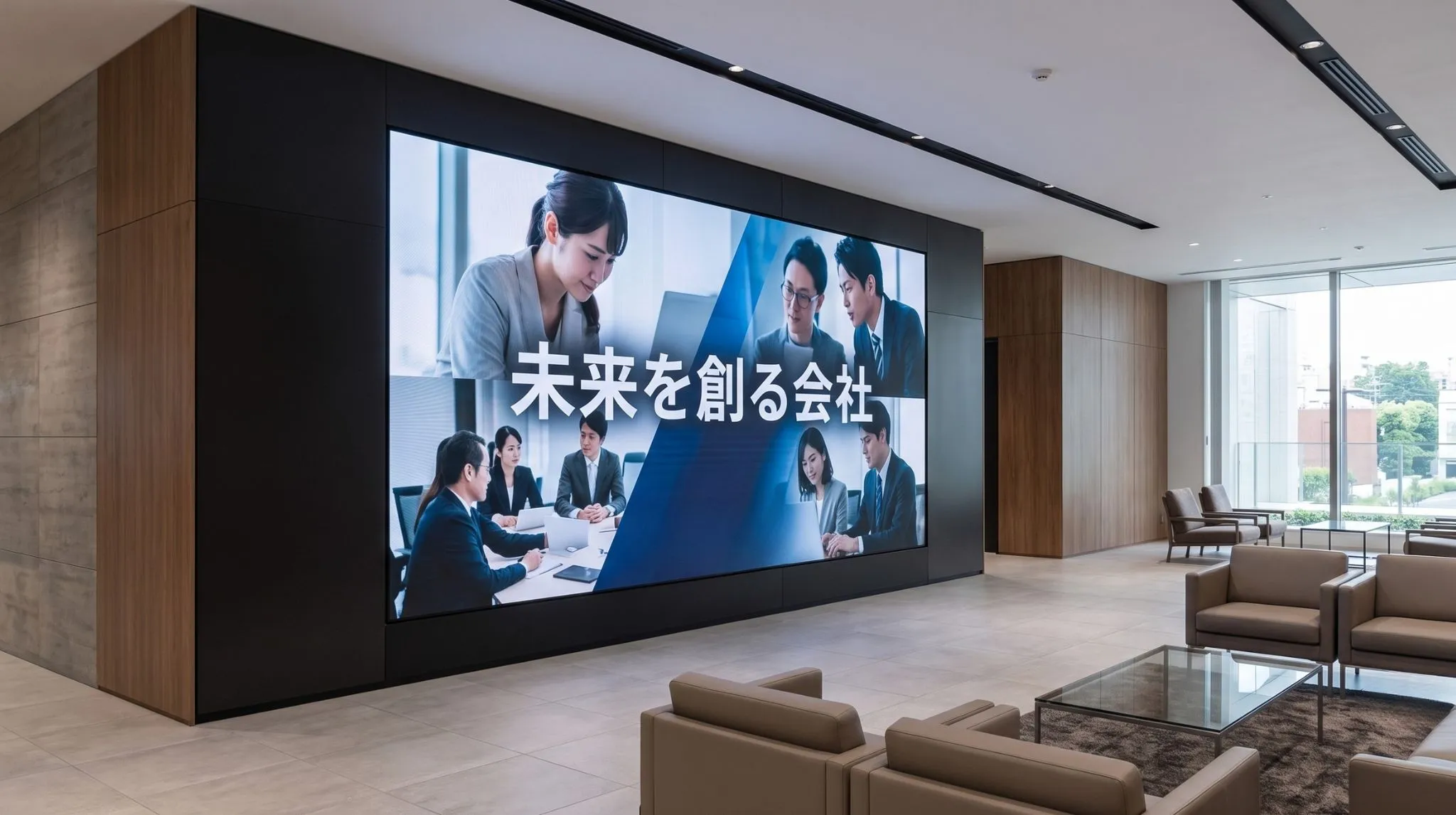
03 Content production service

We also accept original content production that goes beyond the framework of templates. We realize high-quality appeals for scenes you want to be particular about, such as corporate branding or recruitment PR.

For those considering the introduction of internal signage

We are offering a free guide, "A Beginner's Guide to Introducing In-House Digital Signage," which summarizes usage examples and consideration steps.

"Clomoni" Lineup

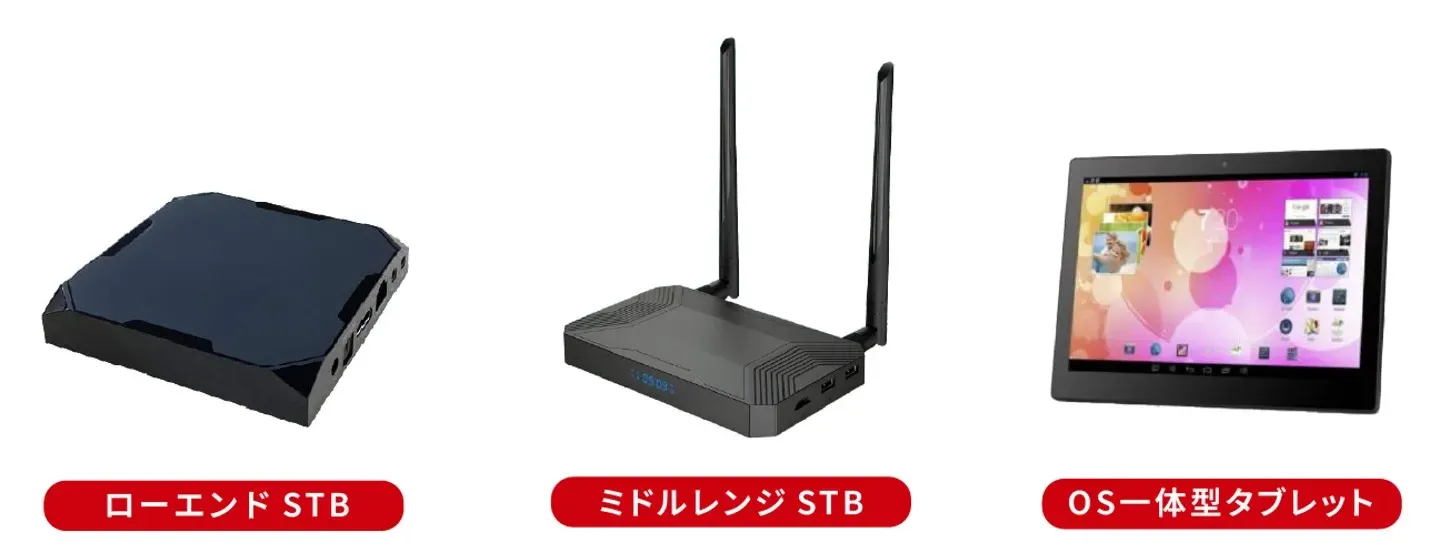
"Clomoni" offers three lineups that can be selected according to the installation location and purpose.
You can choose the optimal model for your needs, such as a compact and space-saving tablet type or an STB (set-top box) type that supports large-screen monitors.
Please feel free to contact us regarding prices.​

For STB warranty information, please see here.

OMO Solution Terms List

Please check the following for Clomoni's terms of service.​
Also, please see here for STB warranty.​
◎ Terms were revised in December 2025.
Customers who are considering it, please consider it with these terms.

Click here for the Clomoni home page

Proposal & Progression Steps

STEP 1

Request confirmation

Please let us know the usage location and purpose of the signage, monitor size, whether or not you will create content, and other requests.

STEP 2

Proposal / Estimate

We will submit a quote in about 3 business days.

STEP 3

Application

Once you have decided on the start date, expansion locations, etc., please contact us again. Formal orders require you to agree to our terms and conditions, and fill out and stamp the dedicated documents.

STEP 4

Delivery & Preparation Period

After receiving your formal order, we will deliver in 2-3 weeks. During that time, please prepare for your branch's communication environment survey, learn software operation, and prepare content.

STEP 5

Start of Service

Once you have installed it at the base and the connection test is completed, you can start using it.

STEP 6

After-sales Service

Clomoni STB includes a 6-month equipment warranty.
We provide careful support for questions about operations and in the event of equipment malfunctions.

FAQ

Can it also be used outside of offices/facilities (such as stores)?
Yes, it can be used.
Clomoni has many introduction results not only as office/facility signage but also as store signage for retail, food & beverage, fashion, etc.
Because it can handle information dissemination for both "work sites" and "places where people gather," centralized operation at multiple bases spanning stores and offices/facilities is also possible.
Can you also handle the arrangement of monitors?
Yes, it is possible. We can provide a set including both the STB and monitor, so please consult with us based on your installation environment.
Also, if you already have a player (STB), we accept orders for monitors alone.
Can you handle monitor installation work?
Yes, we can handle projects across Japan. You can also leave the installation work to professional contractors.
Can I master signage even if I am a beginner?
Yes, please rest assured. Clomoni is designed to be easy to use even for those introducing signage for the first time.
With an intuitive management screen and support system, you can start operations immediately.
Do I need specialized staff for signage operation?
No, no special skills are required.
Since content registration and updates can be done easily from the management screen, it can be operated by on-site staff.
Is a trial possible?
Yes, upon request, we also offer a free trial introduction.
You can test the operability and display content while getting a feel for actual signage operation.
Please feel free to contact us for details.
How long does it take to introduce?
Usually, the initial contract takes about 2 weeks, and you can start using it in as little as about 1 week after application.
Since adjustments may be necessary depending on the usage environment and the number of units, please consult with us for details.
Can weather and news be automatically distributed in real-time?
Yes, you can automatically distribute the latest news, weather, and stock price information from major news agencies.
You can transmit not only internal notices but also information useful for visitors and waiting times in the lobby, which leads to improved impressions of office spaces.
Once set, it is automatically updated to the latest information, so updating work by staff in charge is also unnecessary.
Can you produce videos for corporate branding or recruitment PR?
Yes, we accept original video content production for your company that goes beyond templates.
We can produce high-quality videos tailored to scenes where you want to enhance brand value, such as corporate introductions, recruitment PR, and facility guides.
We support subtitle insertion and BGM insertion based on materials provided by you.
Please feel free to contact us for details.
Can I easily digitize internal notices and posted materials?
Yes, we offer free design templates for offices and facilities, such as business hour change notices, health checkup guides, infectious disease prevention calls, and internal event announcements.
Even without specialized design knowledge, you can easily replace paper notices with digital signage just by swapping photos and text.

Contact Us

Please feel free to contact us

Please feel free to contact us below for consultations and requests to BEEATS.